
For dispatch and logistics teams
Every consignment fulfilled on time. At the best quote.
Without chasing carriers on phone calls, WhatsApp groups, Excel sheets, paper bookkeeping
Best on a computer. Send yourself this link on WhatsApp and open it at your desk.
Placement
The carrier said yes. The vehicle never came.
A dispatch fails at placement more often than on the road. Sprint gives every consignment a second and a third attempt, without starting over.
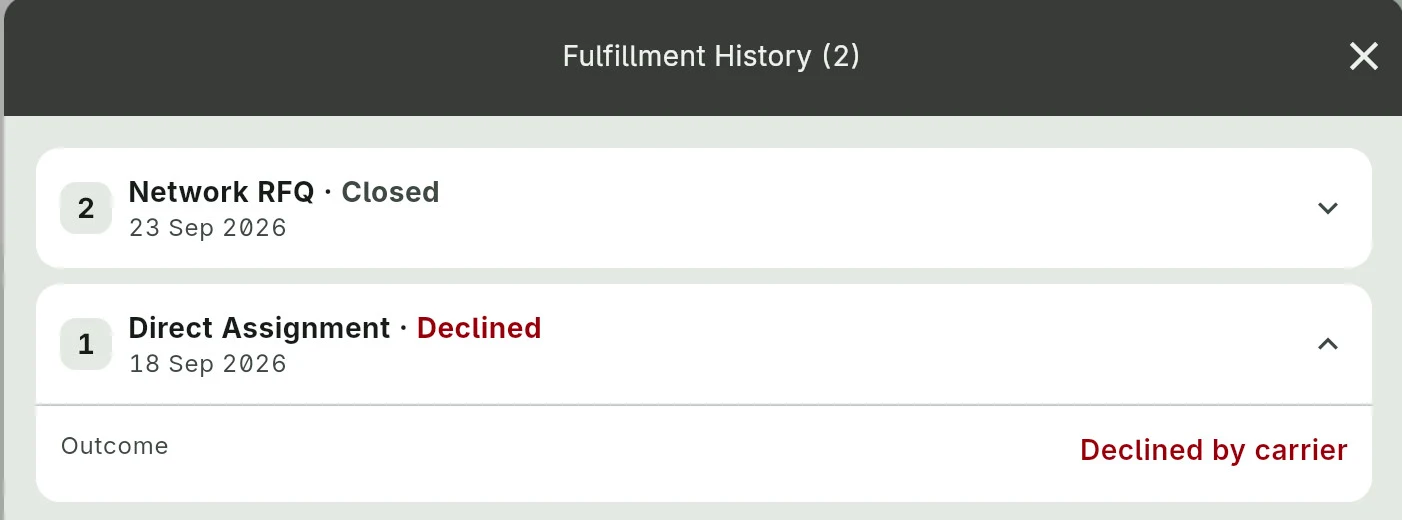
-
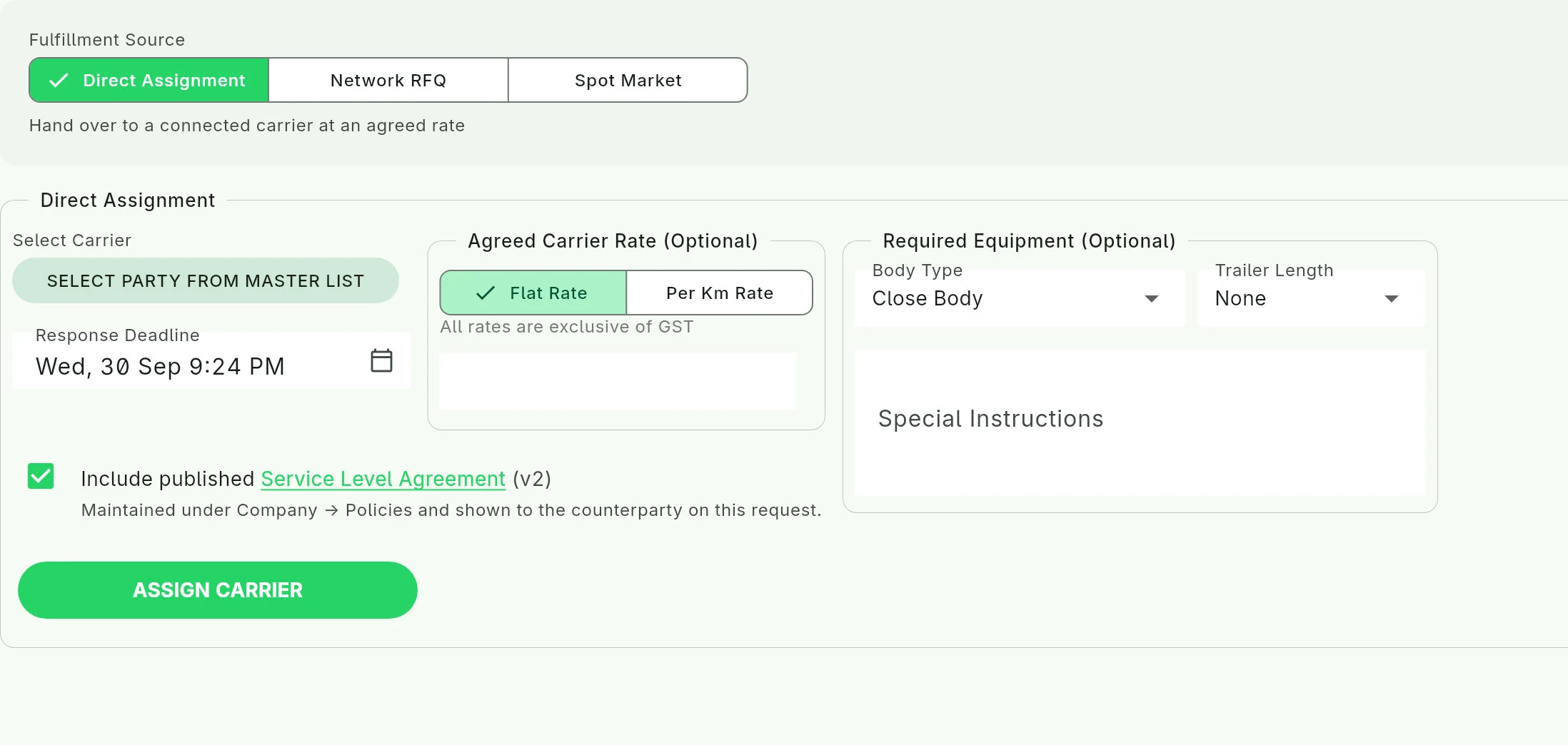
1 Attempt 1: your regular carrier
Assign it directly at the agreed rate. They accept or decline in the app, against a deadline you set.
-
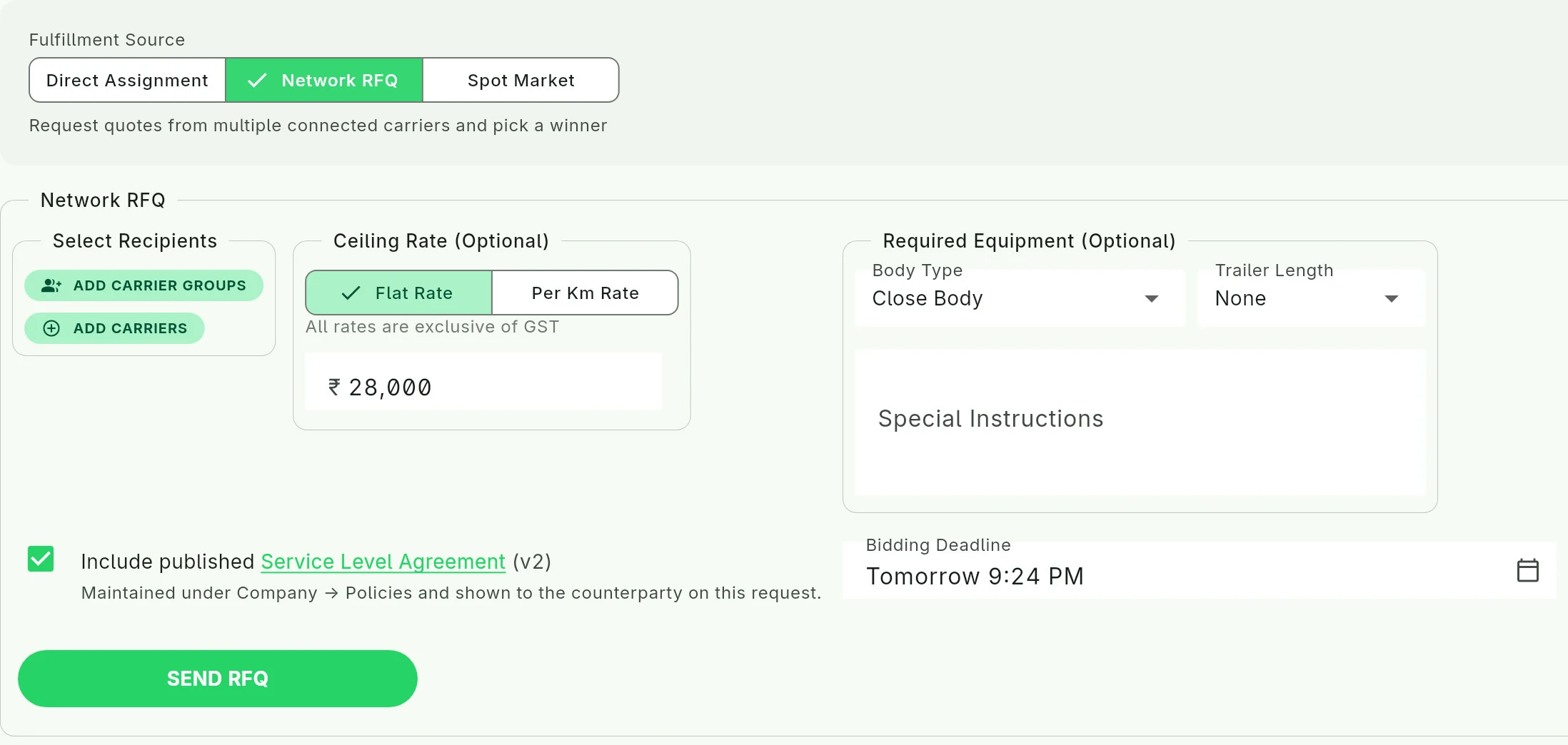
2 Attempt 2: ask your network
One request to the carriers you are connected with, against a ceiling rate. See every quote on one page, chat with each bidder, accept one or ignore them all.
-
3 Attempt 3: the public spot market
Post it to the public spot market and carriers across the country bid on it directly. Compare rates, open each company's profile, pick one.
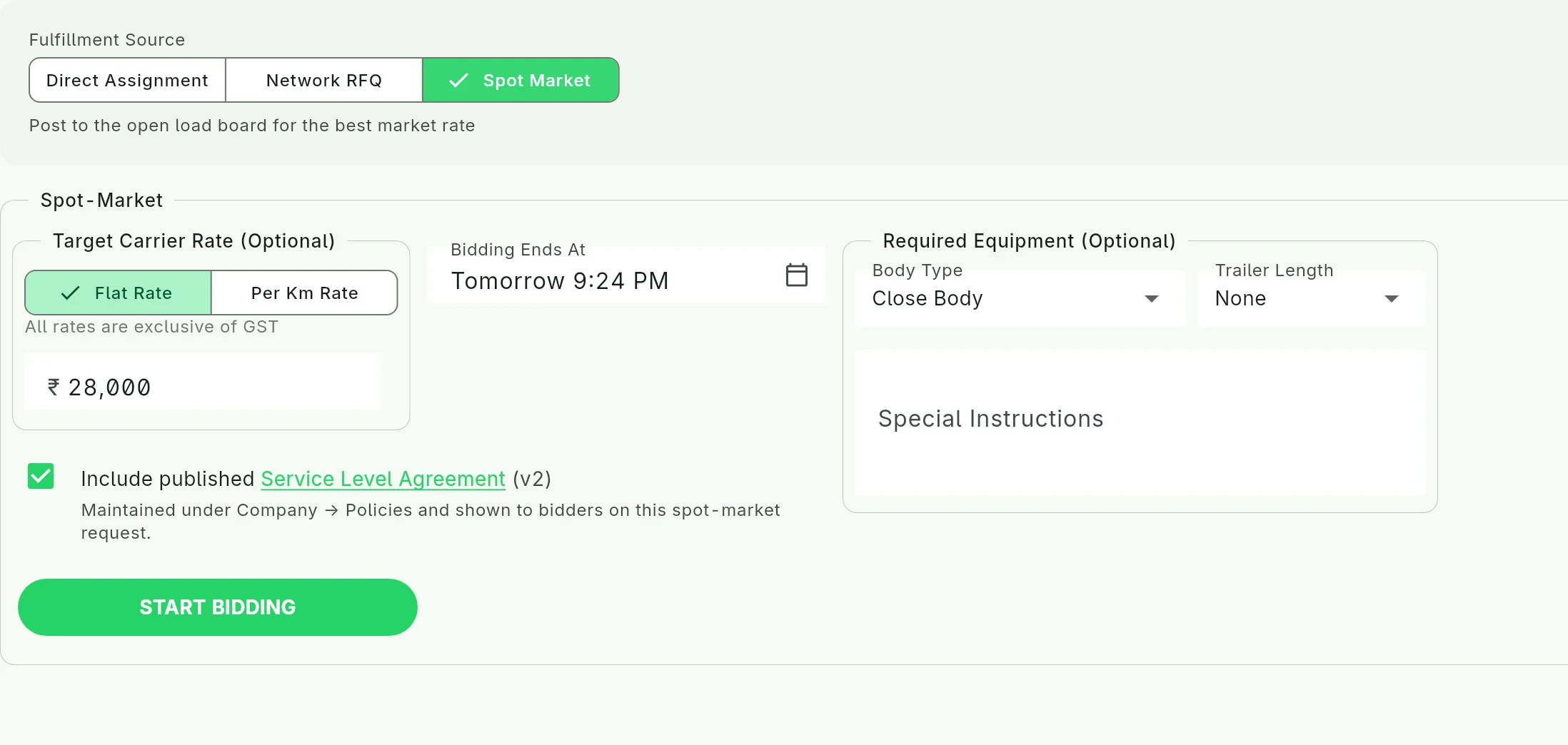
Every attempt is kept in the consignment's fulfilment history.
Messages
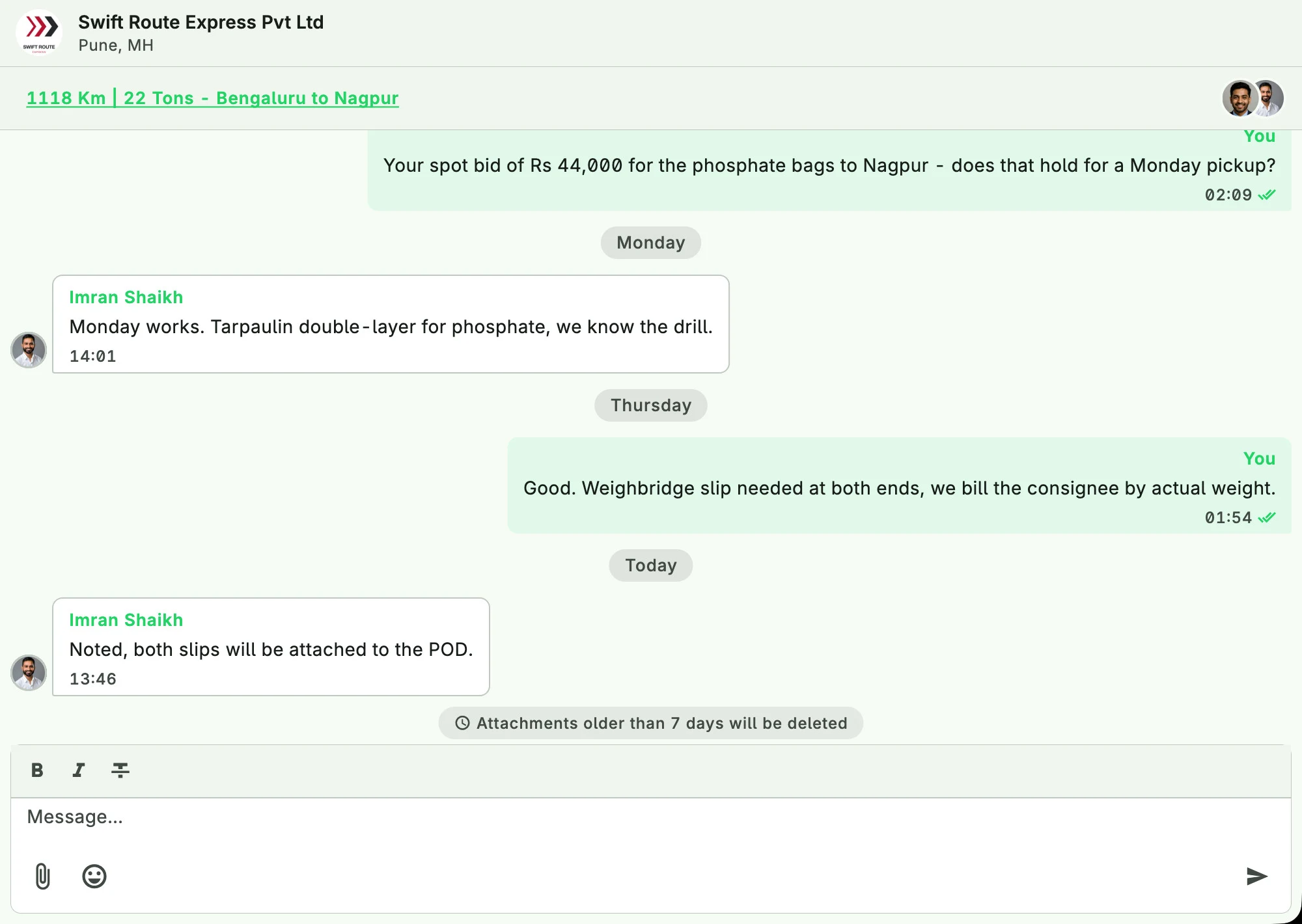
Talk to the carrier on the consignment.
Offers, questions and updates arrive as messages on the consignment itself, not in a group chat nobody can search.
Every conversation with a carrier is kept where the dispatch is.
Visibility
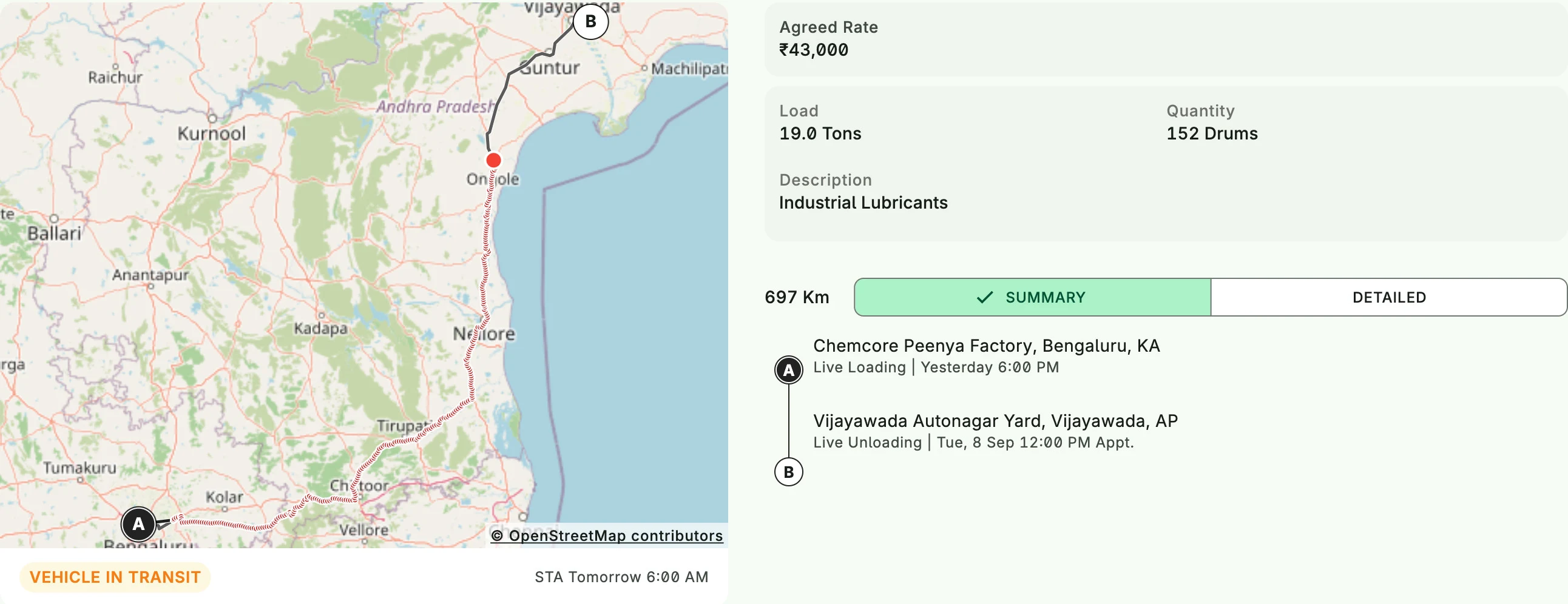
Is it running on time?
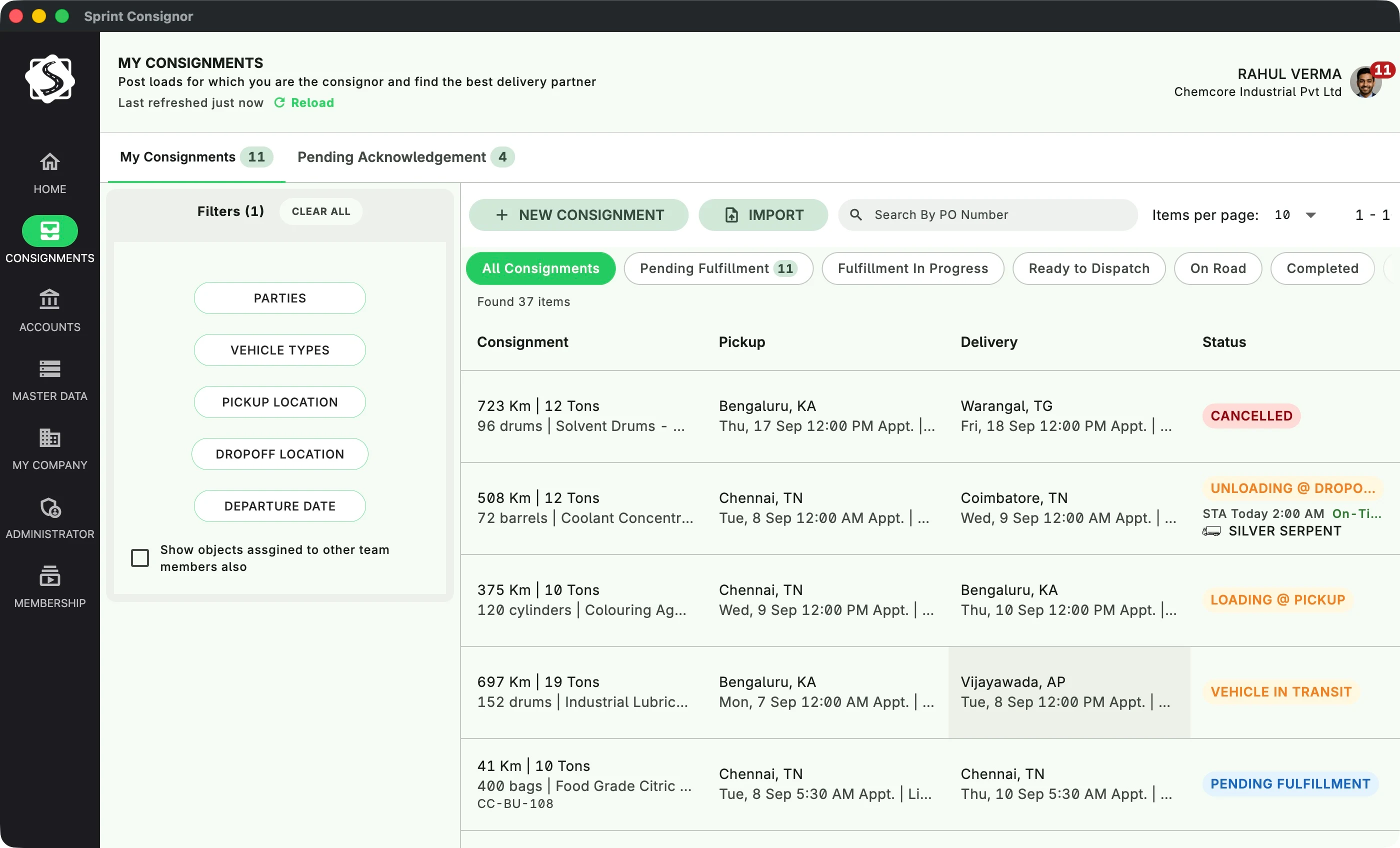
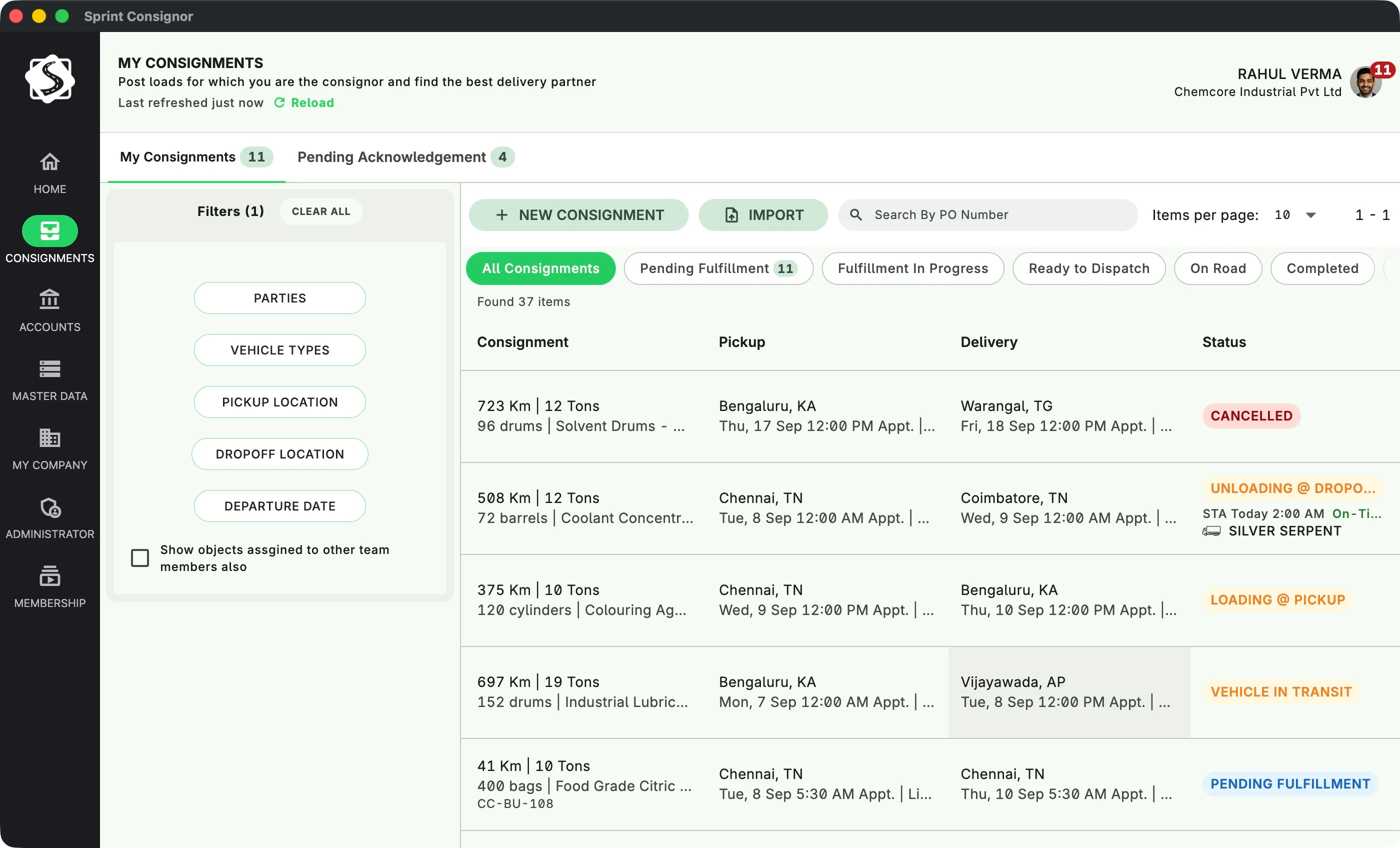
All consignments in one list, by status: pending fulfilment, loading, in transit, unloading, delivered.
Open one and see the vehicle on the map with its expected arrival, whoever the carrier is. Late and off-course are flagged; you do not have to go looking.
Documents
Where is the POD?
On the consignment. The carrier's driver uploads the LR, e-way bill, weight slip and POD from the phone, and each appears against the dispatch as it happens.
No courier, no chasing.
- Lorry receipt (LR) At loading
- E-way bill At loading
- Weight slip At the weighbridge
- Proof of delivery (POD) At unloading
Carriers
Which carrier actually delivers?
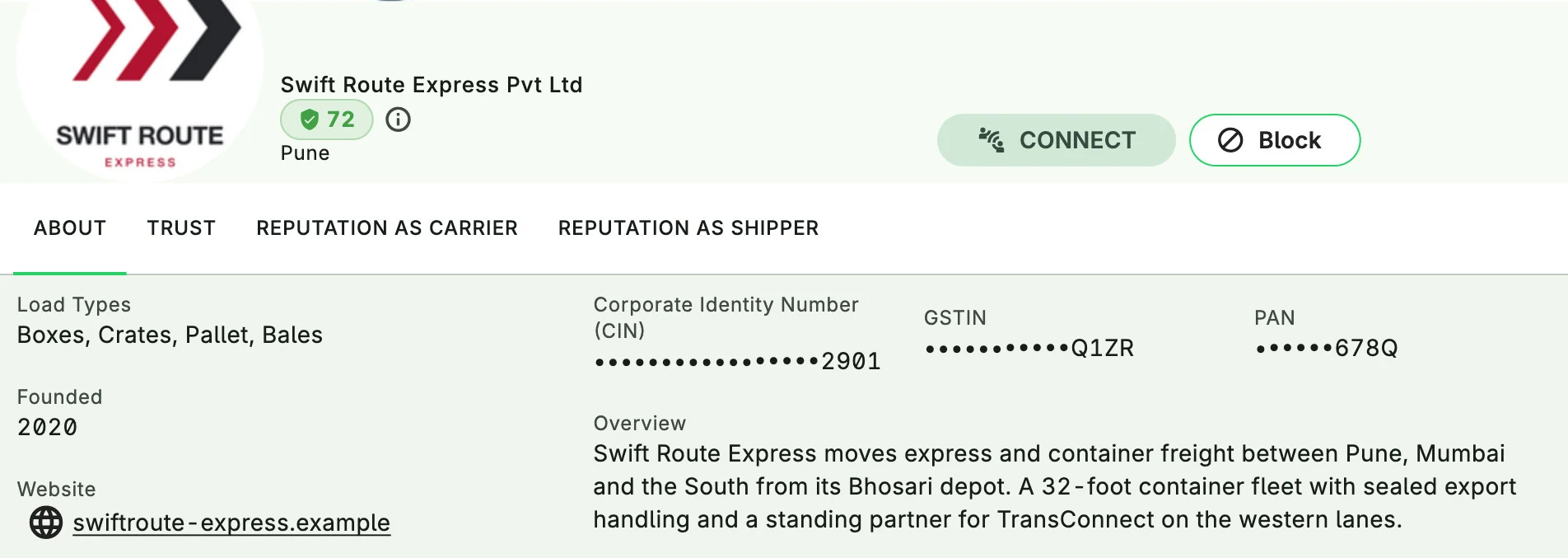
Every carrier on Sprint has a profile: verified identity, documents, and a reputation earned through reviews from the other party on consignments completed over time.
Read it thoroughly before you accept a quote.
Volume
A month of dispatches. A month of bills.
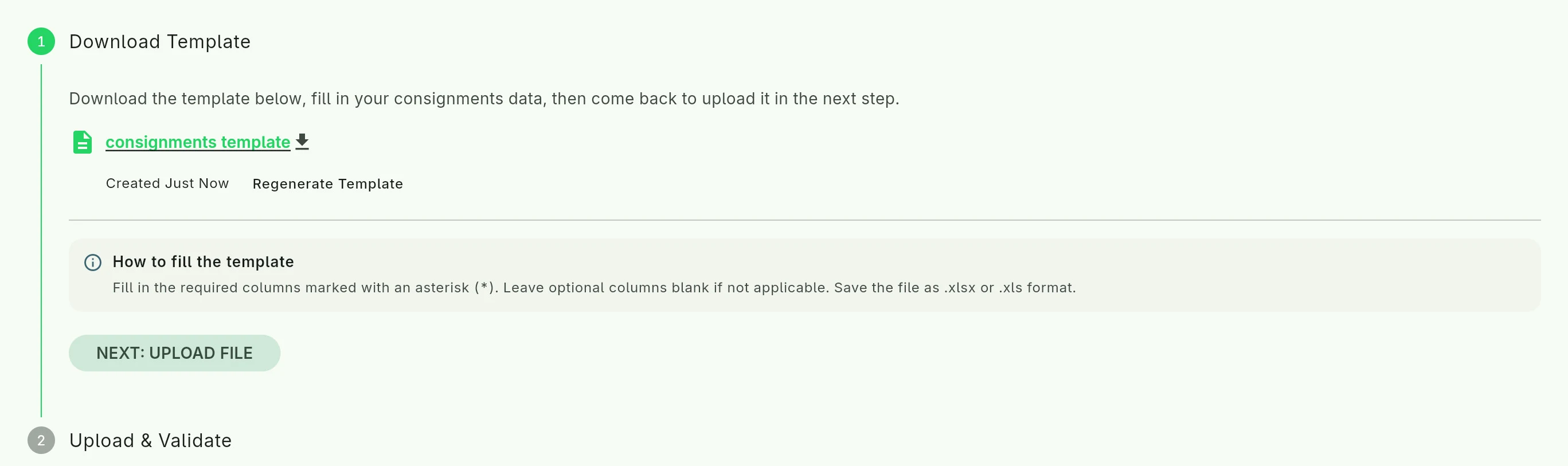
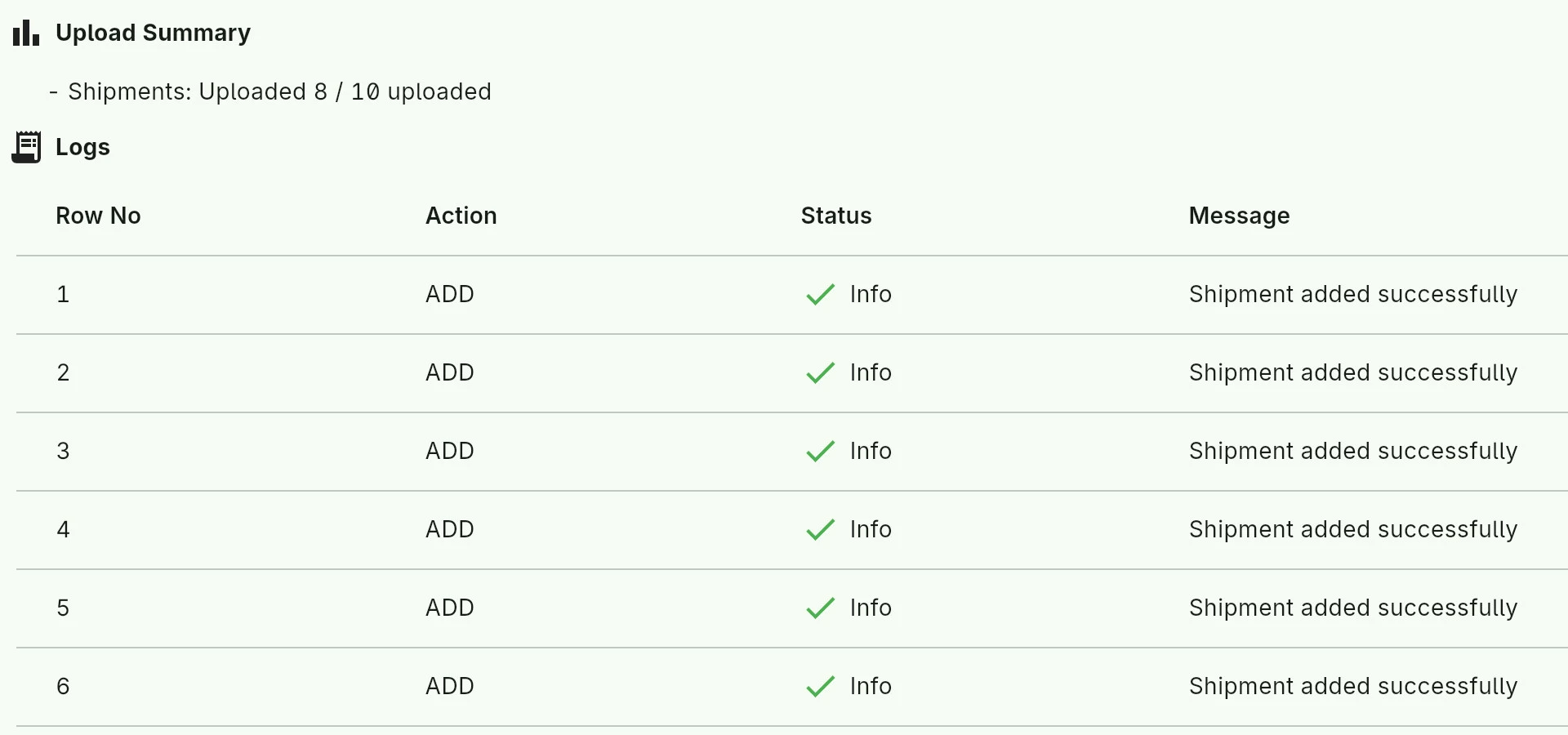
Upload the month's dispatch plan from Excel in one go.
At month end each carrier has an account: what you owe, what you paid, against which consignment, with the bank reference.
There is more
- Staff roles. Planners and accounts each see their part.
- Pending acknowledgement. Consignments your carrier booked for you, waiting for your OK.
- Tracking policy. You decide how early or late counts as late.
- Messages. Every conversation with a carrier, kept on the consignment.
Free to start, up to 25 consignments a month. Paid plans when you grow. No commission.
See every plan and what it includesWalkthrough
See the whole thing, start to finish.
Sprint Consignor walkthrough, 14 min. Real screens, real data, no slides.
Know where every dispatch stands.
Install it, add your carriers, create the first consignment.
Best on a computer. Send yourself this link on WhatsApp and open it at your desk.